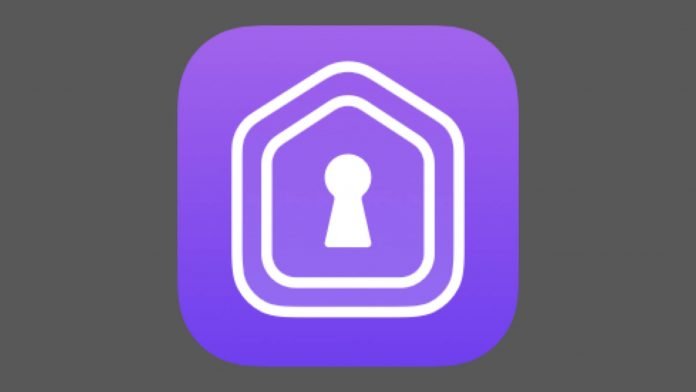
The HomePass app has received an update to version 1.7, with support for custom fields, new layouts, Siri Shortcuts, and x-callback-urls.
In my HomePass review it impressed me with the simplicity, but most important the value this App brings to any HomeKit users toolkit. The developer, Aaron Pearce, has now released a new version 1.7 with the following updates.
HomePass 1.7 features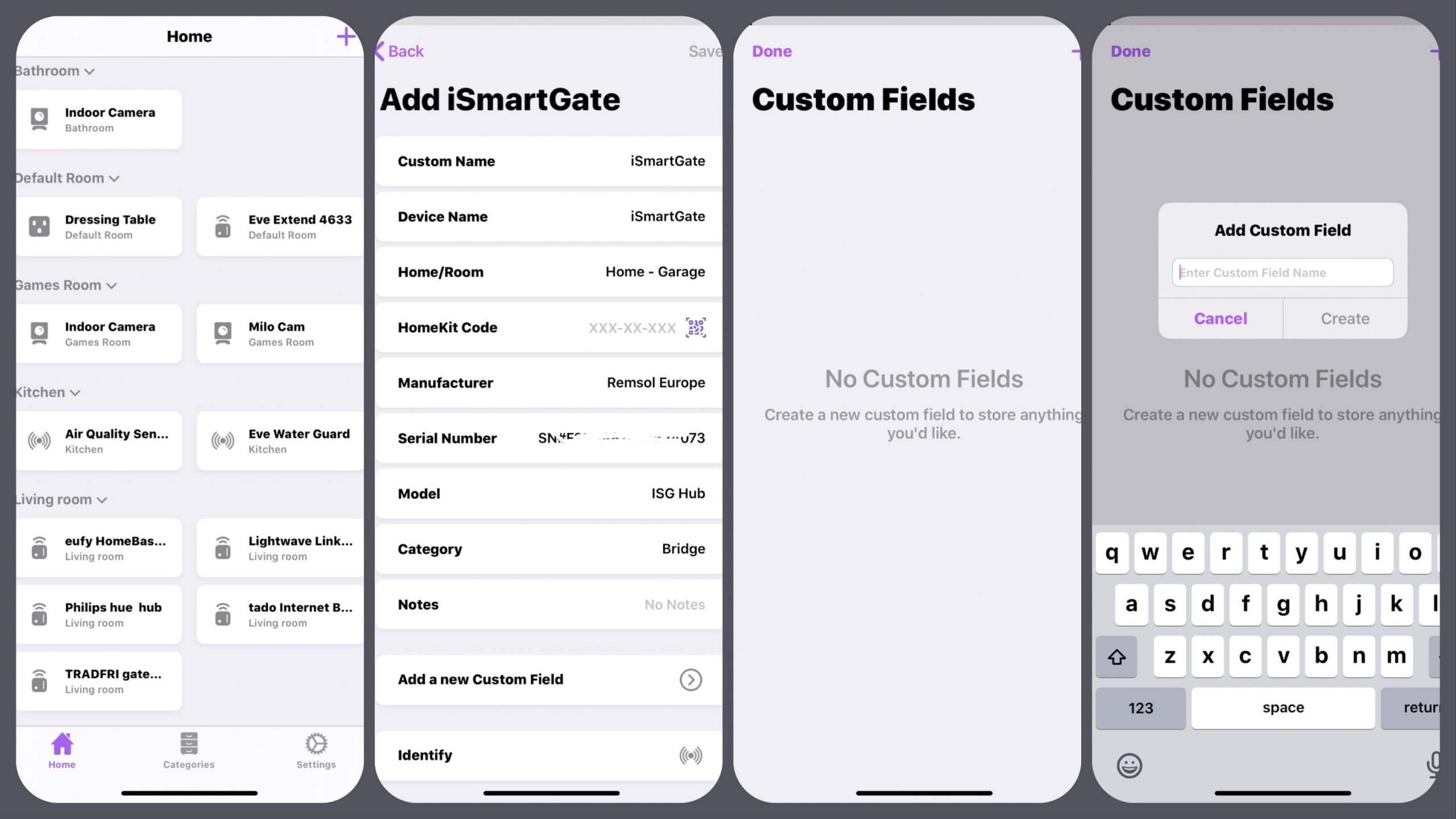
CUSTOM FIELDS
Custom Fields allow you to save any information you wish per accessory. For example, you could store MAC addresses of devices for easy reference.
REFRESHED LAYOUTS
HomePass now allows you to navigate your Homes and Rooms in a simple grid. Tap a room name to collapse and hide its accessories, tap again to show. The new Categories layout adds the ability to view your all accessories by their category type for quick reference.
SMARTER SIRI SHORTCUTS
Sometimes you just need better shortcuts, and I’ve provided them finally. You can now get all your accessory information out of HomePass with Siri Shortcuts for use however you wish.
A “Get Accessory” shortcut returns all information per accessory, while the “Get All Accessories” shortcut gives you every accessory in the database.
ADDITIONAL DEFAULT FIELDS
HomePass will now automatically save serial numbers along with default device name, manufacturer and model information whenever you add an accessory.
X-CALLBACK-URL SUPPORT
With x-callback-url support, HomePass now allows you or other developers to easily add accessories.
HomePass is available as a $2.99 download from the App Store. Don’t forget to subscribe for more HomeKit goodness. If you have a question or a comment, then leave it below. You can also follow us on Twitter, Facebook, YouTube and Instagram.