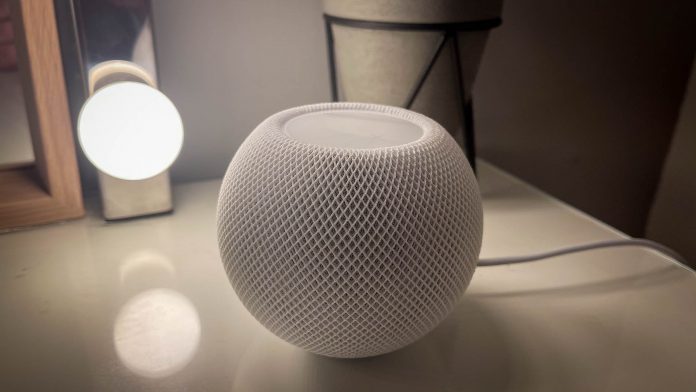
Apple has released HomePod software 27.2, introducing four new features, including Sound Glow, improved Mac audio support, touch control locking and support for four-speaker surround sound with the new Apple TV 4K.
The update is available now through the Apple Home app.
Sound Glow
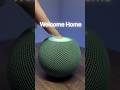
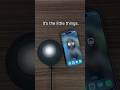
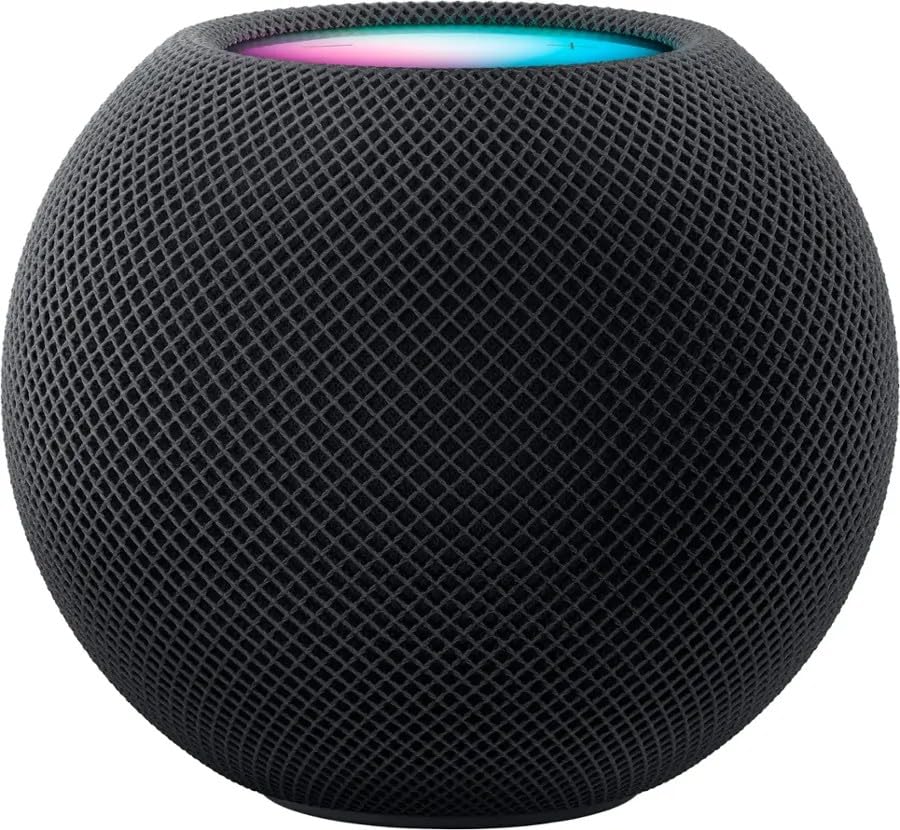
One of the biggest additions is Sound Glow, which transforms the display on top of compatible HomePods into a colourful visual experience that reacts to music.
The lighting pulses in sync with audio, using colours inspired by album artwork. Apple’s ambient soundscapes also feature their own animations, including a rain effect.
Sound Glow is supported on:
- HomePod (2nd generation)
- HomePod mini (1st generation)
- HomePod mini (2nd generation)
The original HomePod is not supported.
Lock Controls
A new Lock Controls setting allows users to disable the touch-sensitive controls on top of their HomePod.
This prevents accidental interactions, such as pausing music, skipping tracks or changing the volume. It’s particularly useful for households with children or pets.
Voice control through Siri remains available.
HomePod as a Mac Speaker
HomePod 27.2 introduces the ability to use compatible HomePods as the default audio output for a Mac.
Unlike traditional AirPlay connections, the new feature provides a persistent connection without needing to manually select the speakers each time.
The feature requires a Mac supporting Wi-Fi 6E or later and works with HomePod (2nd generation) and HomePod mini 2, either individually or as a stereo pair.
Four-Speaker Surround Sound for Apple TV
HomePod 27.2 also adds support for a four-speaker surround sound setup with the new Apple TV 4K (4th generation), launching on 13 November.
Users can connect four compatible HomePods, with two positioned at the front and two at the rear.
Supported speakers include HomePod (2nd generation) and HomePod mini 2. Different models can be combined, provided each front and rear pair consists of matching speakers.
The Apple TV automatically detects speaker positioning and calibrates audio timing and levels to suit the room.
The original HomePod mini is not supported for this feature.
How to Update
HomePod software 27.2 is available now.
To install it, open the Apple Home app, select the three-dot menu, navigate to Home Settings > Software Update, and install the available update.
Alongside these features, Apple has included bug fixes and security updates.