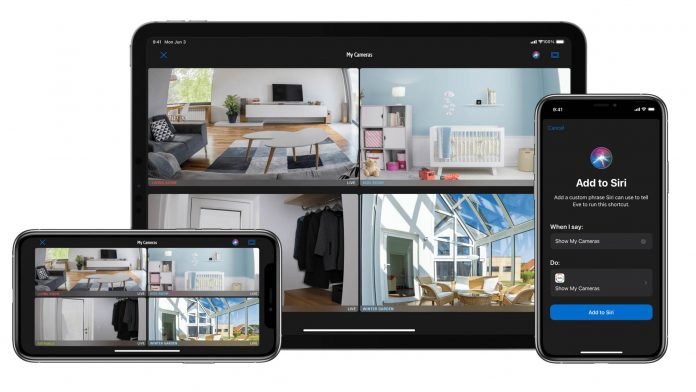
The Eve app today received an update to 4.5 and brings additional features for the Eve Cam and other HomeKit enabled cameras. The update which is available today allows for a full screen overview of all connected HomeKit cameras and a flip orientation setting for the Eve Cam.
If you more than one camera in your HomeKit home, you find the new “My Cameras” tile within the “At Glance” tab. From this view you can view all your HomeKit enabled cameras right within the Eve app. Plus, you can jump right into a live view of the cameras with a quick tap. You can also long press on a camera tile to bring up additional options like automations. In addtion you can create a Siri shortcut which brings up the view using the Siri command “Show my cameras”.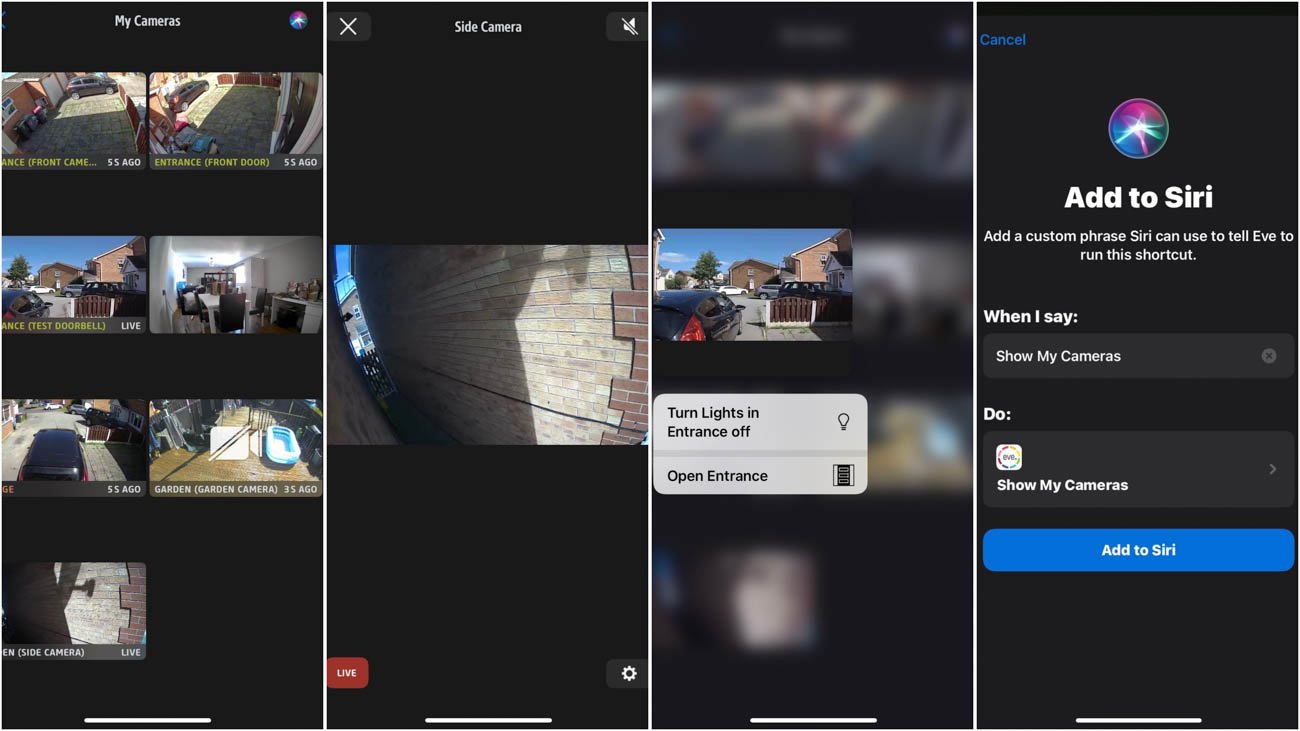
The Eve Cam also gets some love in this update with the option within the settings of Eve Cam that offers a flip orientation of the camera image. This new setting combined with the magnetic base on the Eve Cam allows you to experiment with placements of the camera. In addtion to the Eve App 4.5 update, the Eve Cam requires at least firmware version 1.0.3, which has also free update from today.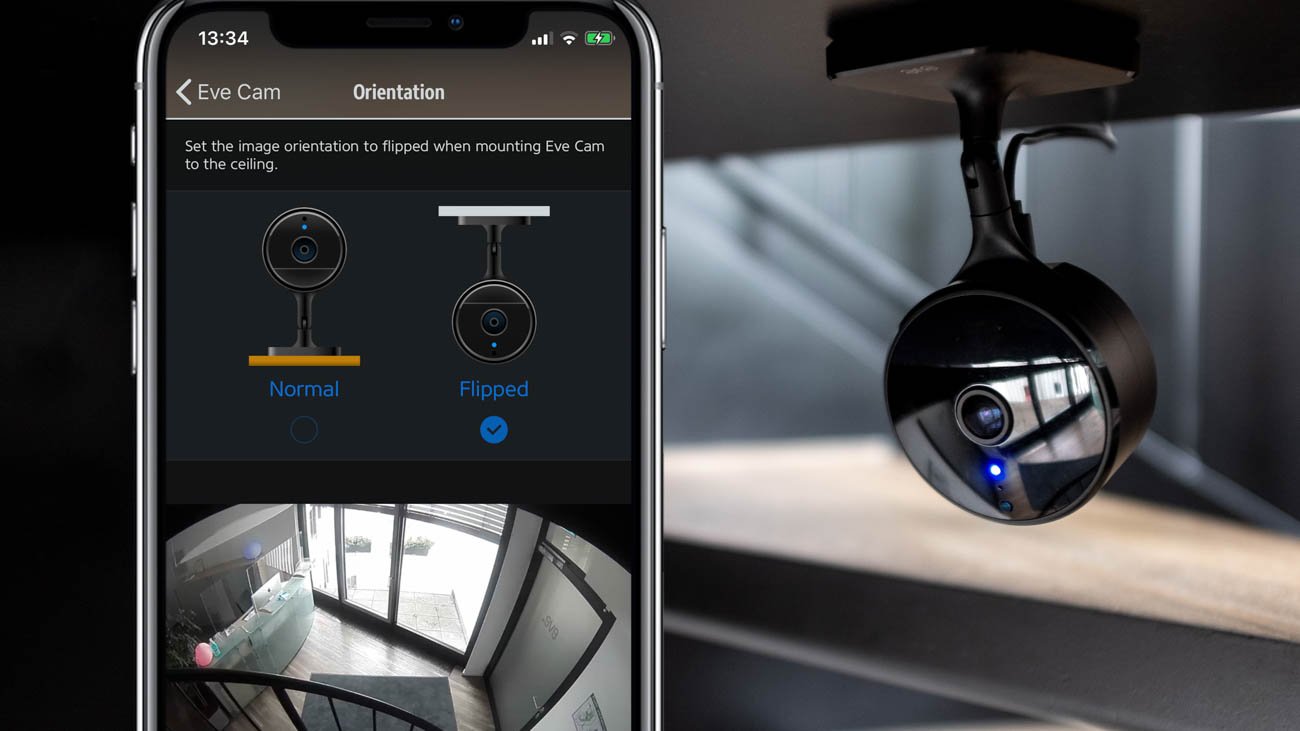
The Eve App 4.5 updates is available on the App Store starting today and once you have updated on your iOS device. You can then update your Eve Cam to enable flip orientation mode. You can also checkout our Eve Cam Review or buy the camera via this Amazon link.
TO keep updated with the latest HomeKit News, don’t forget to us on Twitter, Facebook, YouTube and Instagram.