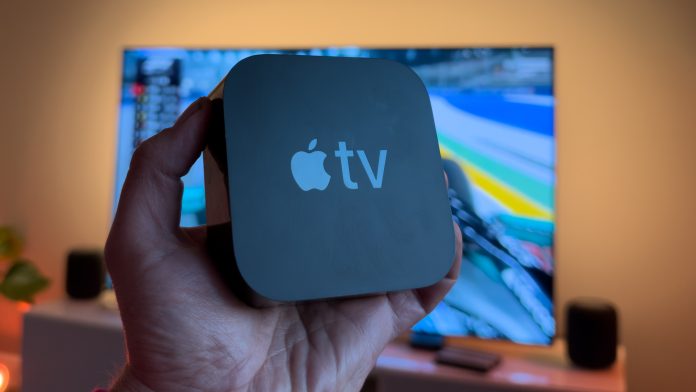
Apple has released tvOS 27.2, bringing new features and improvements to Apple TV 4K, including expanded screen saver options, FaceTime enhancements, accessibility updates and improved personalisation. The update is available now for compatible Apple TV devices.
New Screen Saver Options
tvOS 27.2 introduces additional customisation for Apple TV screen savers. The new Screen Saver Shuffle feature allows users to automatically switch between Aerials, Snoopy, Portraits, Memories and Slideshows.
Users can also select individual photos from their iPhone to display as screen savers without sharing their entire photo library.
Find Your Siri Remote
Apple has improved the integration between Apple TV and iPhone, making it easier to locate a misplaced Siri Remote.
Compatible Siri Remotes, including the second-generation model and later, can be located using an iPhone, which provides an approximate indication of the remote’s location.
FaceTime Improvements
FaceTime on Apple TV now offers additional support for joining calls through shared FaceTime links. The update also introduces improvements for accessibility, including support for sign language interpreters and captioning services.
FaceTime continues to use Continuity Camera, allowing a compatible iPhone or iPad to act as the camera and microphone.
Enhanced User Profiles
Apple has introduced new profile characters featuring Snoopy, Frog and Toad, and Stillwater.
The update also expands profile integration across Apple TV, iPhone and iPad, helping maintain personalised viewing experiences across devices.
Expanded Sign Language Support
Selected content in the Apple TV app now offers additional accessibility options, including British Sign Language (BSL) and American Sign Language (ASL).
Availability depends on the programme and region.
Apple Music Updates
Apple Music receives a refreshed app icon and minor interface improvements, bringing the experience in line with Apple’s latest design language.
A More Intelligent Siri
Apple is preparing to bring its next-generation Siri experience to Apple TV, with improvements designed to make interactions more natural and conversational. The updated Siri will offer better contextual understanding, allowing users to make more complex requests and ask follow-up questions without repeating information.
For Apple Home users, the improvements could make controlling smart home accessories, scenes and automations through Apple TV more intuitive.
The new Siri experience is expected to be available on supported Apple TV 4K models, although the full functionality and rollout details have yet to be confirmed.
HomePod Surround Sound
Alongside tvOS 27.2, Apple is preparing to introduce four-speaker HomePod surround sound with the fourth-generation Apple TV 4K, launching on 13 November.
The feature allows four compatible HomePods to operate as a surround sound system, with two speakers at the front and two at the rear.
Supported HomePods:
- HomePod (2nd generation)
- HomePod mini (2nd generation)
The original HomePod and first-generation HomePod mini are not supported.
Supported speaker combinations:
- Four HomePod (2nd generation) speakers.
- Four HomePod mini (2nd generation) speakers.
- Two HomePod (2nd generation) speakers at the front and two HomePod mini 2 speakers at the rear.
- Two HomePod mini 2 speakers at the front and two HomePod (2nd generation) speakers at the rear.
Apple requires matching speakers within each front and rear pair but allows different models between the two pairs.
The system also features automatic room calibration, adjusting audio timing and volume levels based on speaker positioning.
Four-speaker surround sound requires the fourth-generation Apple TV 4K and is not supported on earlier models.
How to Install tvOS 27.2
To update your Apple TV, navigate to:
Settings → System → Software Updates → Update Software
Or you can update via the Home App on your device, by going to Home Settings, software update.
The update is available now for compatible Apple TV devices.