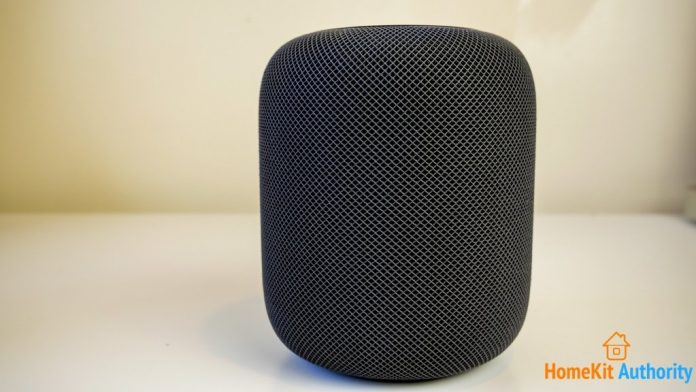
Apple’s HomePod is first a music speaker able to play music from your Apple Music catalogue and library. However, you can use the speaker on HomePod as a speakerphone for making and receiving phone calls. This can be useful for conference calls or when you need to be hands free.
You achieve can use the HomePod as a speakerphone in the same way as you would with any audio device connected to an iPhone, and this is how it’s done
How to use HomePod as a speakerphone
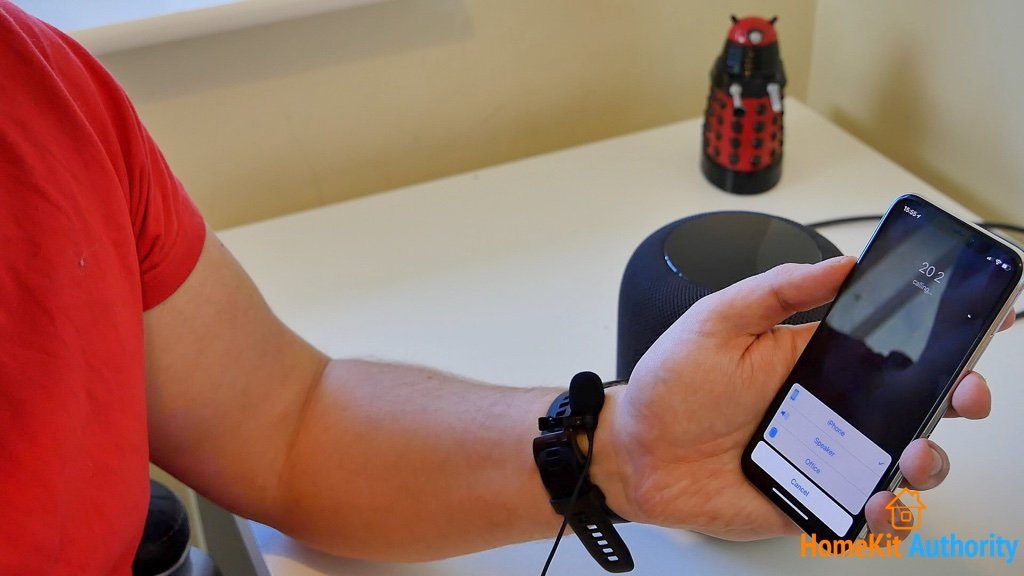
First make or receive a call
Find HomePod
Establish connection to HomePod
Continue call on HomePod
Managing Multiple Calls in HomePod Speakerphone Mode
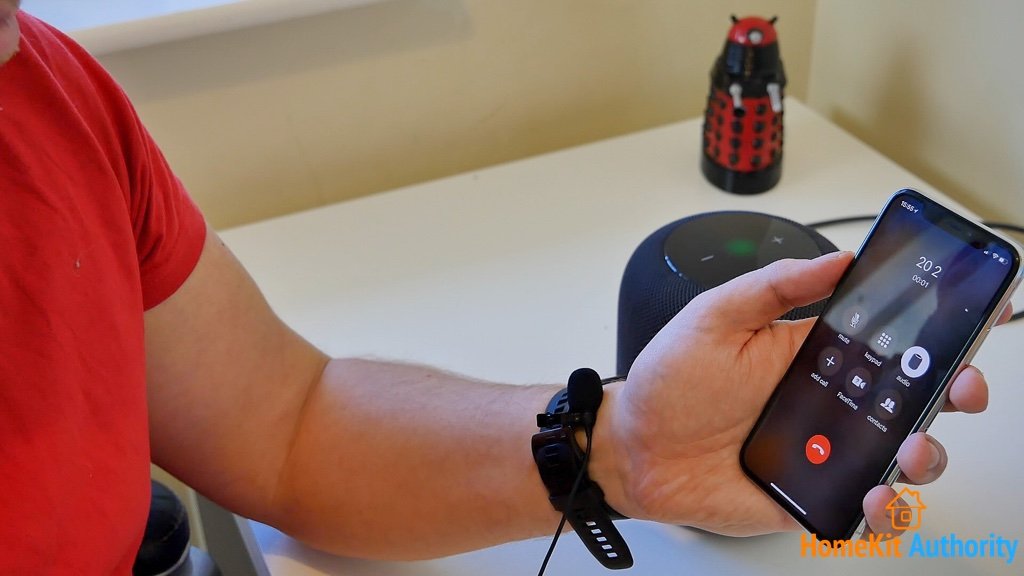
With speakerphone mode active on HomePod, you can also use HomePod’s touch interface to manage multiple calls, either by switching between existing calls or ending the current call.
To put the current call on hold tap the green light on top of the HomePod speaker. You can then switch between calls by tapping the speaker again. To end the current call and answer the new one, tap and hold the green light on top of the HomePod until the switchover occurs.
I hope this how to guide for HomePod has been useful. Don’t forget to subscribe to receive the latest on smart home. If you have a question or comment, then leave it below.