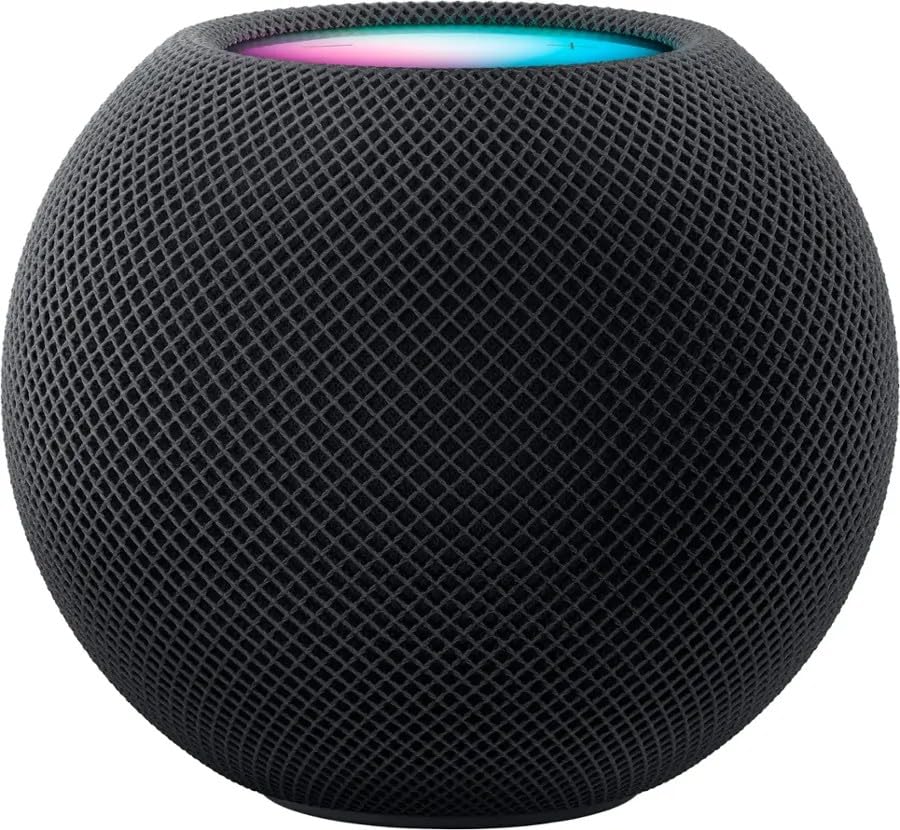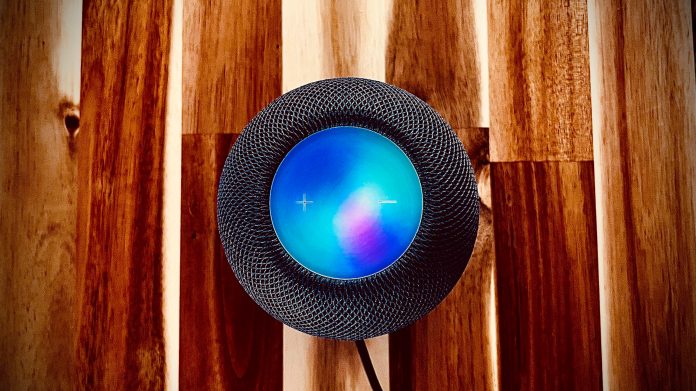
Apple has released 15.1.1 for the HomePod and HomePod mini that addresses a bug with playing Podcast content.
According to Apple’s release notes, the update fixes a problem that could cause podcasts to not play on the HomePod and HomePod mini. Personally, I didn’t come across this issue nor did I see much chatter about this.
The software should be automatically downloaded and installed on the HomePod unless the feature is disabled. But you can check for the update manually in the Home App via this how to guide.
This update follows on from HomePod 15.1 software update that added Lossless Audio and Dolby Atmos Spatial Audio support to the HomePod. Lossless Audio is available on both the HomePod and HomePod mini, while Spatial Audio is available on the larger-sized and now-discontinued HomePod. You can enable these new features by following these instructions after you have updated to 15.1;
- Open the Home app
- Click in the Home icon on the top left corner
- Choose “Home Settings” then click on your profile
- In “Media,” click on the “Apple Music” tab
- Toggle on “Lossless Audio” and “Dolby Atmos”
In other news, following Apple’s Unleashed Event which it introduced the HomePod mini in new colours Orange, Yello and Blue. These new colours are now available in Canada, Mexico, US, China, Hong Kong, Japan, and Taiwan. Then later in November the new colours will be available in Australia, Austria, France, Germany, India, Ireland, Italy, New Zealand, Spain, and the UK.
Don’t forget to subscribe for to be notified of the latest HomeKit News, reviews and tutorials. If you have a question or a comment, then leave it below. You can also follow us on Twitter, Facebook, YouTube and Instagram.